

|
|

|

|
Learning Target:
|
Activities
Week of October 3 - 7
1. Login into GCR & Join Tech. Class
2. Click on K5tech button, read Parts of a Computer, complete the 2 Label the Browser activities
(Quiz week of 10-14 on GCR)
3. Click on the Typing do levels 1-12
4. Click on the Word Search Button & Complete
5. Choose the Welcome Back Bookshelf
Week of October 3 - 7
1. Login into GCR & Join Tech. Class
2. Click on K5tech button, read Parts of a Computer, complete the 2 Label the Browser activities
(Quiz week of 10-14 on GCR)
3. Click on the Typing do levels 1-12
4. Click on the Word Search Button & Complete
5. Choose the Welcome Back Bookshelf
1. Sign into Google Classroom with Class Code

Click for Google Classroom
2. Computer Parts & Internet Browser
3. Keyboarding Flash Cards
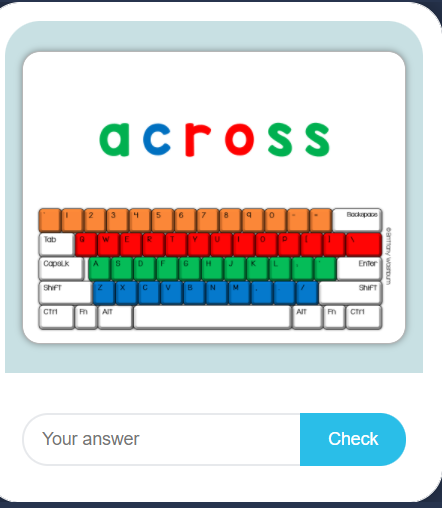
4. Spelling/Keyboarding Games

|
|
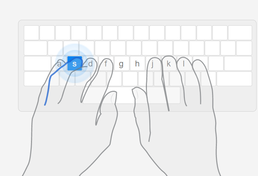
5. Typing Start at Level 1
5. Word Search
6. Book Shelves
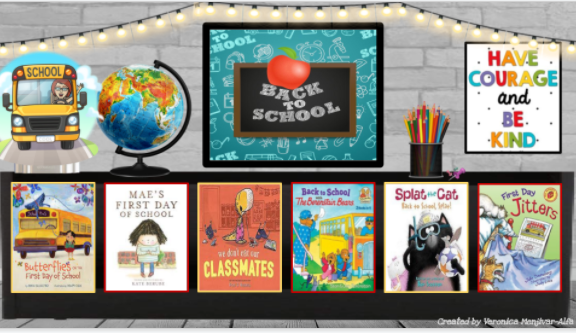
Welcome Back to School
|
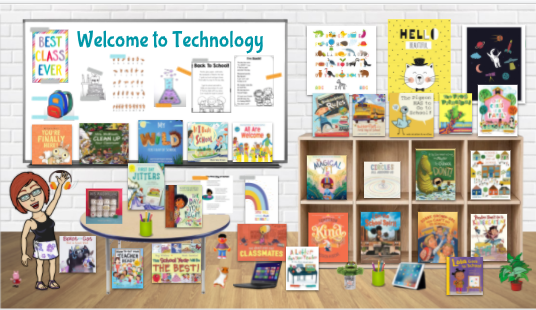
Welcome Back to School
|
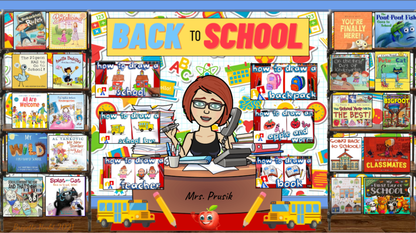
Back to School