

|

Parents Click to Schedule a Conference

|
|

|
Learning Target:
|

|

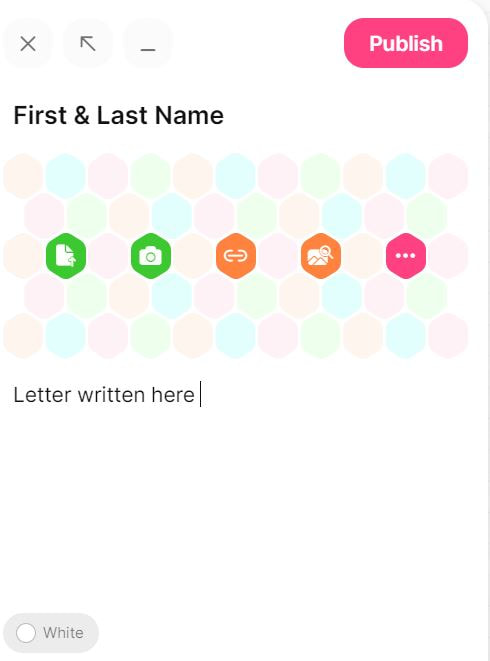
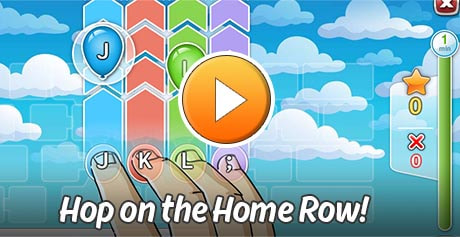
Activities Week of March 14 - 18 1. Log into GCR, open up the TypeTastic Scoresheet 2. Click on Hop on Home Row Complete all 4 rounds in Level 1 3. Put your score into the Scoresheet 4. Listen to Click Clack Moo 5. Type a note to 1st graders on the importance of typing This should be in paragraph form and at least 5 sentences. Directions for Padlet: 1. Click on the Pink Plus in bottom right hand corner 2. Once note is open in the Subject space put your First & Last Name 3. Ignore the middle portion of the note 4. In the space that says write something beautiful begin your letter. 5. If letter is started hit the 3 dots on the right of the note with your name and edit to finish your letter 6. When finished or time is up click on publish or update so your note is saved. |
1. GCR and Keyboarding Olympics

Google Classroom Login Page
Google Class codes
EEW: e6i5cly
NHE: hizmwk6
EEW: e6i5cly
NHE: hizmwk6
2. Click Clack Moo
Cows That Type
Cows That Type
New Have Elementary
|
Endeavour Elementary
|


Fun Friday
|

Click Mickey for March Book Shelf
|
Click here for Coding
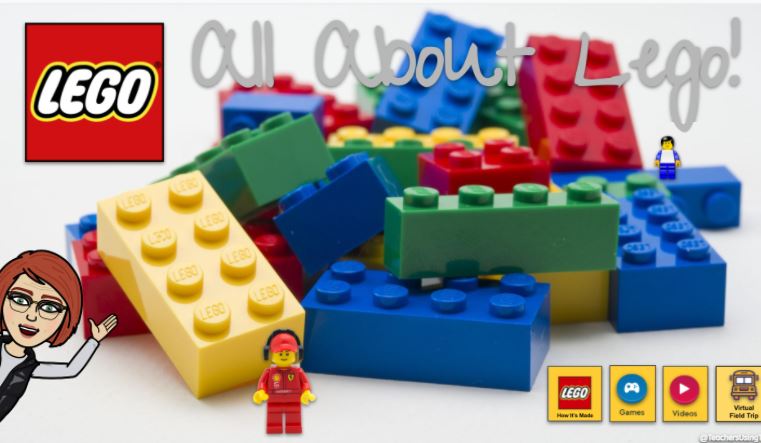
Lego Virtual Tour
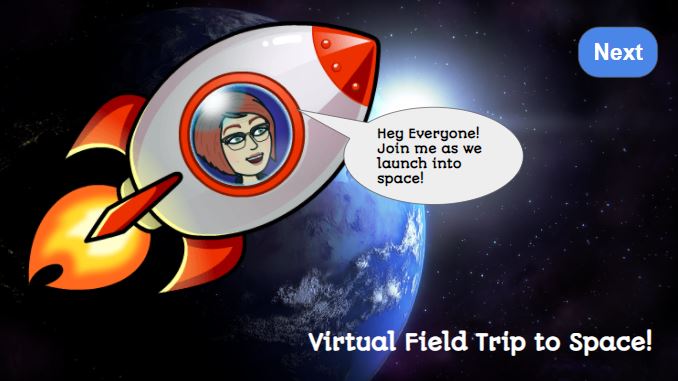
Virtual Field Trip to Space
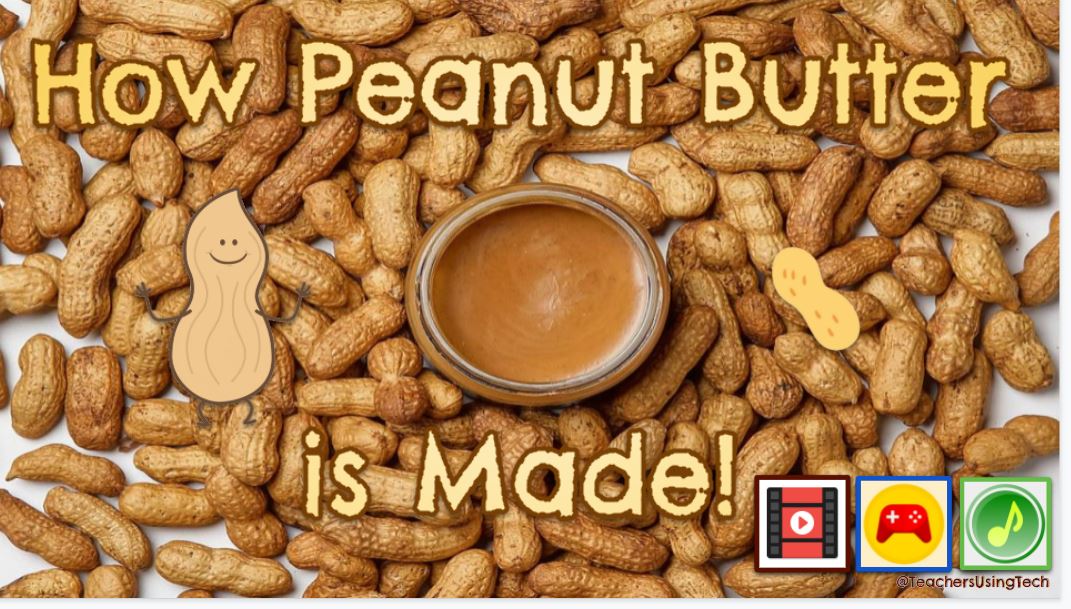
How Peanut Butter is Made
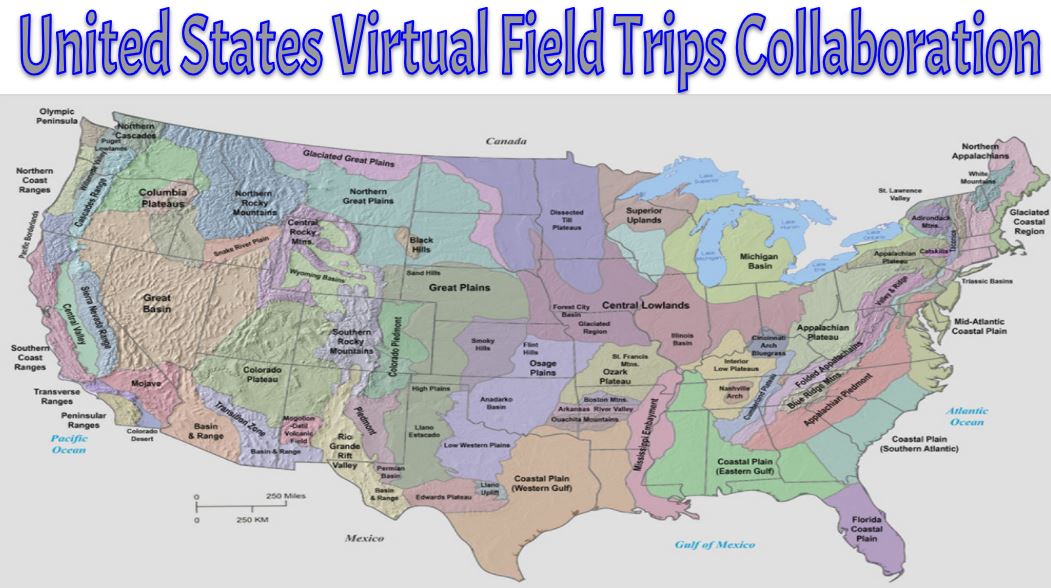
Virtual Field Trip
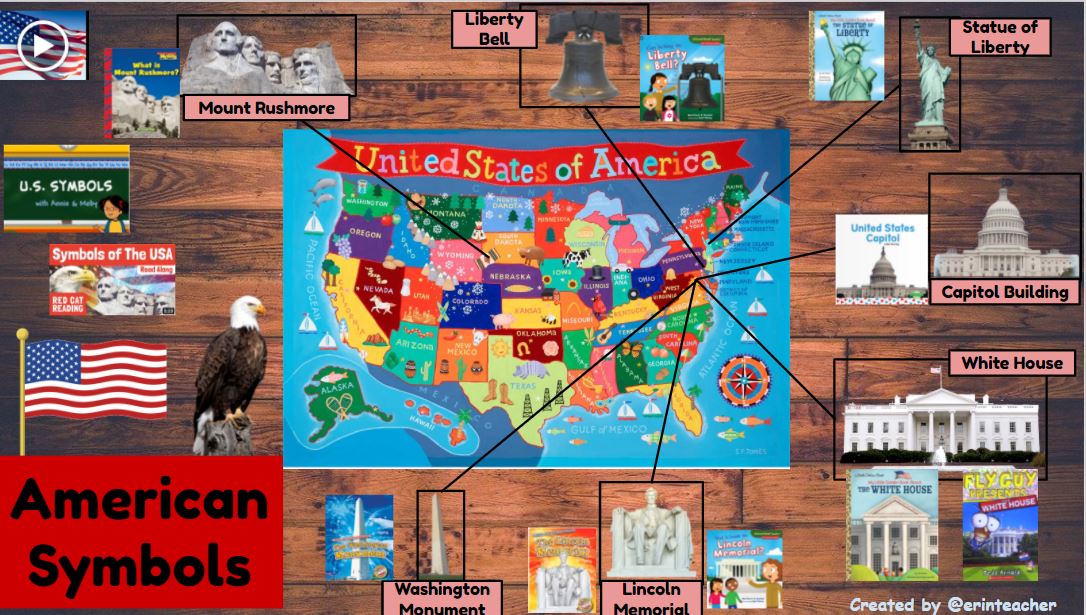
|
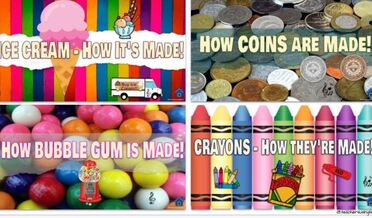
How it's Made
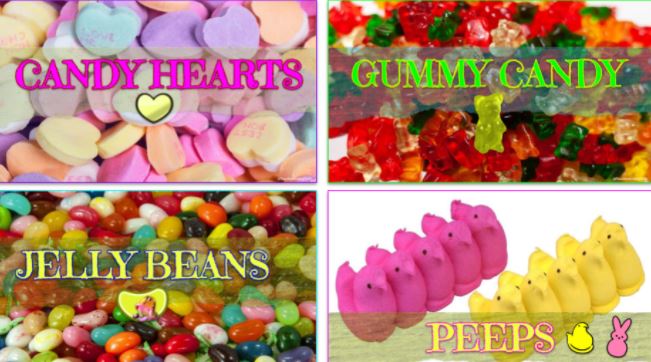
How it's Made

How Pizza is Made

Virtual Field Trip
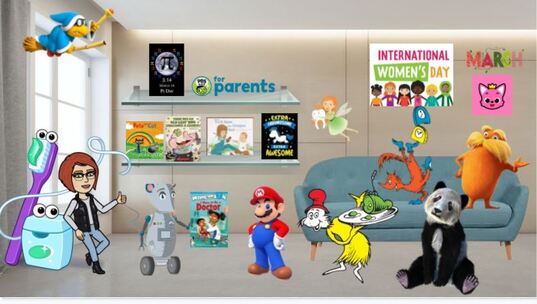
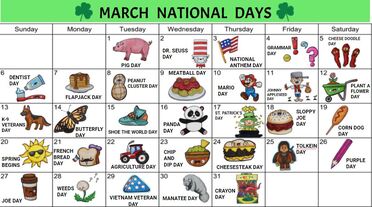
March Themes
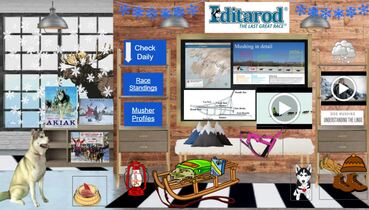
Iditarod
|
|
Usernames and Passwords for common sites:
K5Tech: Username: nh123 Password: abc123 BrainPop; Username: NHCS Password: Rockets1234! Epic Class code: heu4547 |